Quick view
Access the information available for your card in seconds.
SelfKapital Cards
Find the features available for your card in a clear, secure interface designed for mobile use.
Interface illustration. No real banking data is displayed on this page.
Sensitive information stays masked by default. The services genuinely available for your profile are shown directly in your personal space.
Mobile banking
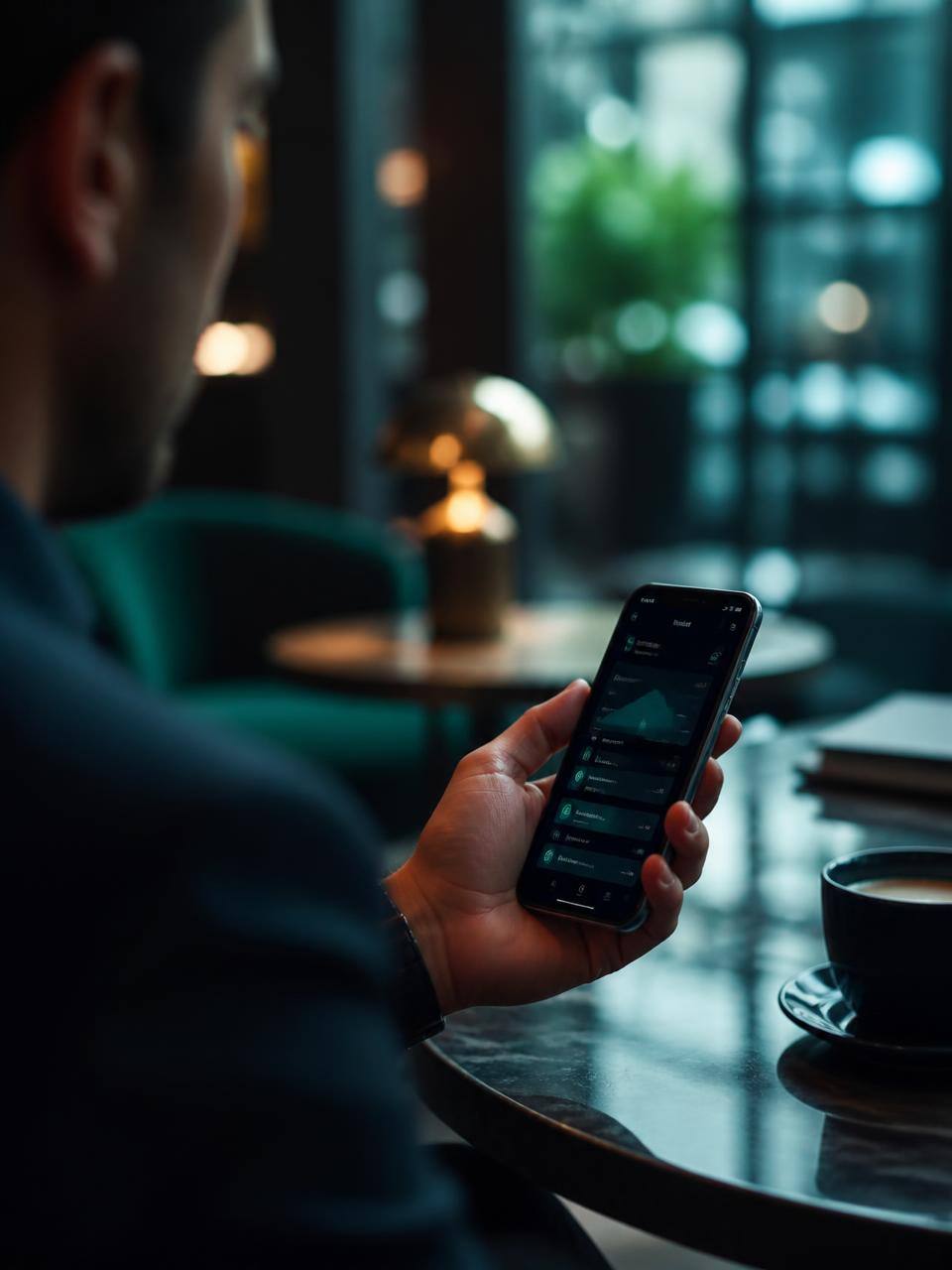
The SelfKapital experience is designed for mobile: check the status of your services, adjust your preferences and stay in control from a single screen, wherever you are.
Access the information available for your card in seconds.
Your preferences are grouped in a single, clear interface.
Stay informed about events related to your personal space.
Sensitive actions require an authenticated session.
Payments
A streamlined interface to track your digital usage and find the settings related to your purchases online.
Card information stays masked until you request to display it.
Find the preferences related to online payments in your space.
Available transactions are presented clearly and chronologically.
The same experience on smartphone, tablet and computer.
Security
We only present the mechanisms genuinely implemented today on the SelfKapital platform.
Exchanges between your browser and the platform take place over HTTPS.
A one-time code with an expiry confirms your address at registration.
Access to your space is tied to an authenticated session.
Sensitive account actions are recorded server-side.
Sensitive information is not displayed by default.
Account creation requires complexity requirements.
Three simple steps to find your available services.
Create your SelfKapital account and confirm your e-mail address.
Your space presents the features active for your profile.
Adjust your preferences from a single interface, on mobile or computer.
Access your personal space to find the services and features currently available for your account.
Available services are presented directly from your personal account area.